



Logging into 50 sites to update one plugin wastes hours
Every security update, every new feature release, every compatibility fix means logging into each WordPress site individually, running the same update, and hoping nothing breaks. Our centralized plugin management puts all your sites in one interface.
Select which sites get updated, run bulk operations, and monitor the results without ever touching individual WordPress dashboards. Agencies save hours per week. Developers deploy changes faster. Everyone stops wasting time on repetitive tasks.
Bulk operations that save time
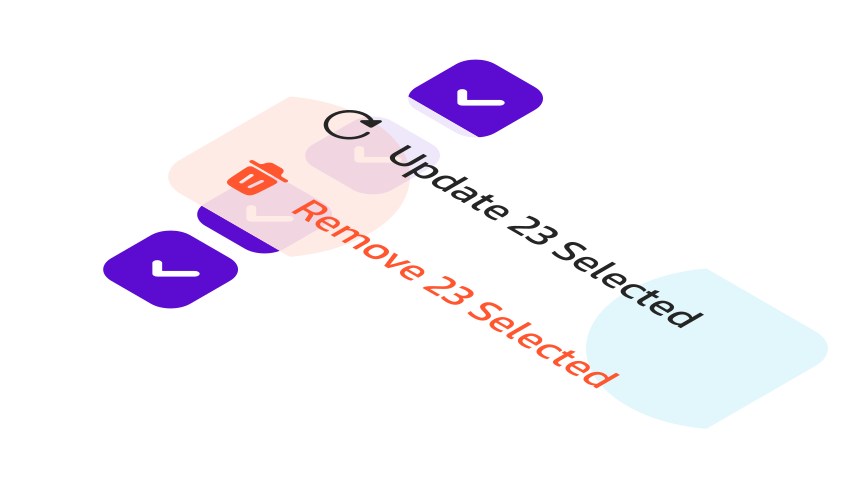
Select all sites or specific ones. Update plugins across your portfolio, activate new plugins on 20 sites simultaneously, or deactivate problematic plugins instantly. Every action you’d normally repeat site by site happens once from the panel.


Safe updates with visibility
See which sites have outdated plugins before updating. Check compatibility warnings and logs per site. If an update breaks something, roll back immediately using backups. Monitor status across your portfolio instead of guessing which sites need attention.
Complete control over your WordPress stack
Everything you need to manage WordPress at scale
Centralized management means faster deployments, better security, and less time wasted on repetitive tasks.

Deploy plugins across sites
Install a plugin once and deploy it across multiple sites with a single action. Select which sites receive the plugin, activate it automatically, and configure settings consistently. Perfect for agencies rolling out standard plugin stacks to new client sites or distributing custom plugins portfolio-wide.
Monitor versions and compatibility
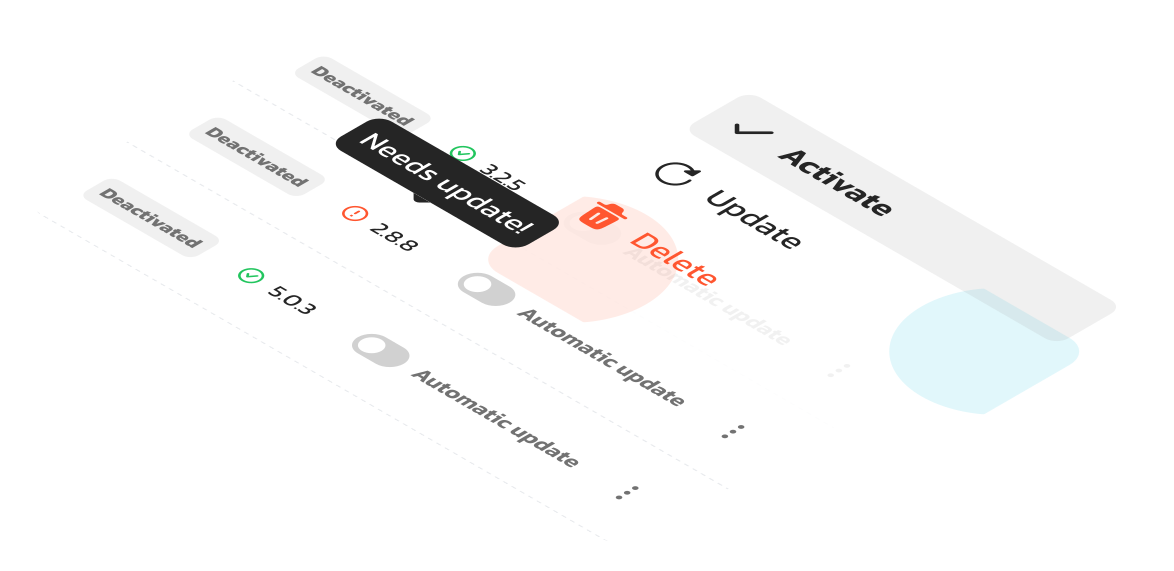
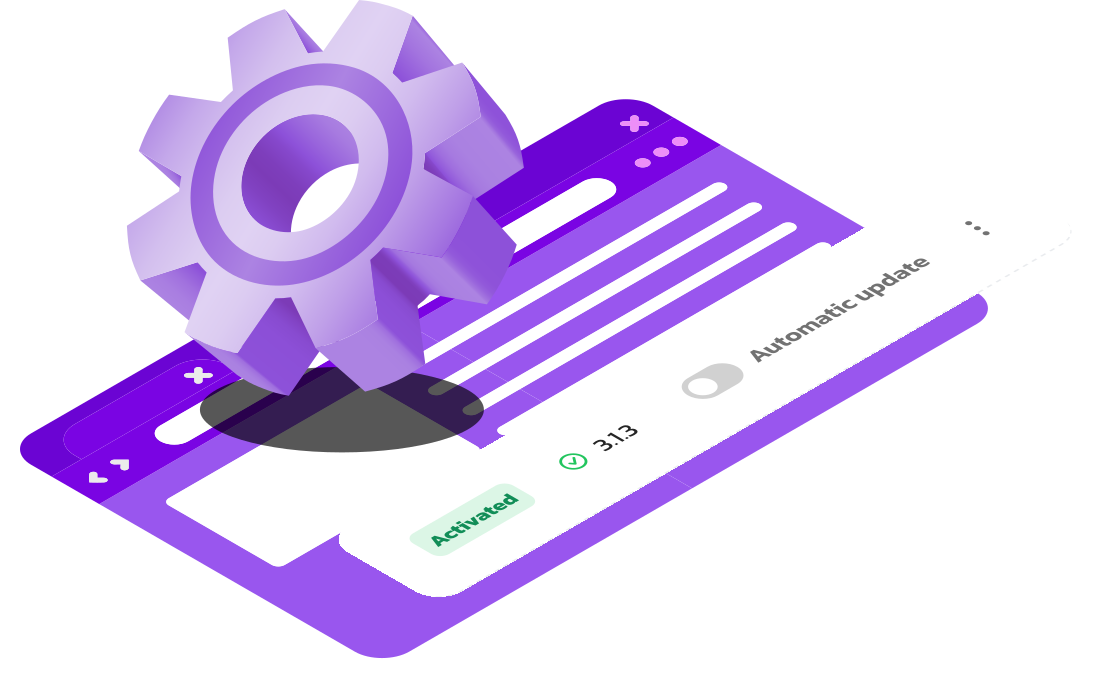
See which sites are running outdated plugin versions from a unified dashboard. Identify security vulnerabilities before they’re exploited, spot compatibility issues between versions, and prioritize which updates need immediate attention across your portfolio.
Stage updates safely
Test plugin updates on development or staging sites first. Verify functionality, check for conflicts, and confirm compatibility before pushing to production. Roll out to a subset of sites, monitor results, then deploy portfolio-wide once validated.
Execute updates at scale
Update specific plugins across all sites simultaneously, or update everything on selected sites. Run bulk operations that would take hours manually. Control which sites get updated and when, instead of treating every site individually.

Track changes and accountability
See complete logs of every plugin activation, update, and deletion. Know who made changes, when they happened, and which sites were affected. Troubleshoot issues by understanding what changed, maintain accountability across team members, and audit your entire portfolio’s plugin history.
But wait, there’s more
The full Ivapix experience
Ivapix doesn’t stop at plugin management. Beyond bulk updates and centralized control, you get staging environments to test changes safely, unlimited bandwidth and unlimited visits, automated backups for quick rollbacks, workspace organization for client sites, collaborator permissions for team access, performance monitoring, and expert WordPress support available 24/7.
Staging Sites
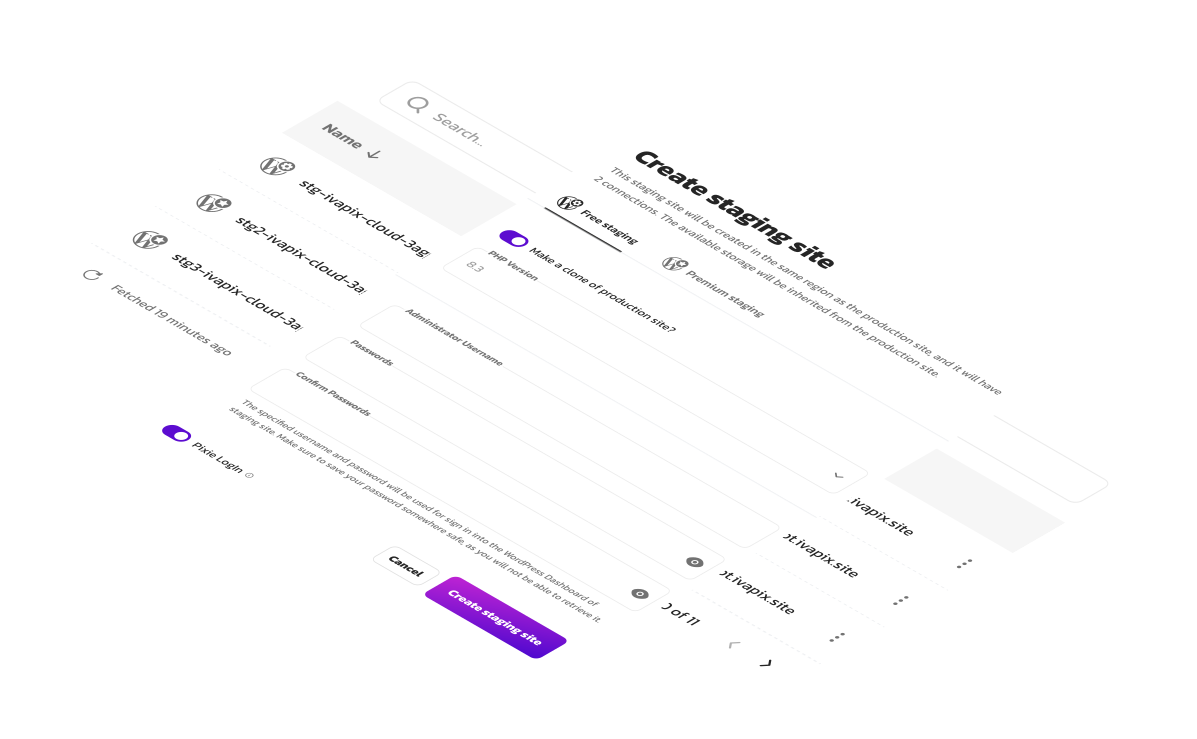
Forget risky updates on your live site. Ivapix unique approach to staging environments makes it easy to build, test, and modify your sites in a safe space. We take that a step further with our intelligent syncing feature, letting you push your changes production with a few clicks without overwriting anything you want to keep the same.